
 ,
,


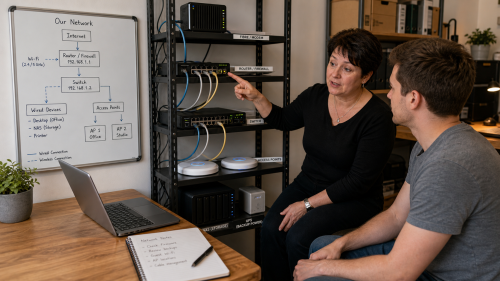
“The internet is not working” can mean that Wi-Fi will not associate, that no IP address is assigned, that routing is missing, that DNS fails or that only one external service is unreachable. The symptom therefore needs to be split into layers.
A few targeted tests often provide insight faster than repeatedly restarting the router and computer.
Check the physical link or Wi-Fi connection, then the local IP address and gateway. Next test reachability of the gateway, an external IP address and only then DNS name resolution. This shows at which layer the chain stops.
DNS, the IPv4 or IPv6 path, a certificate, firewall or the website itself may fail specifically. Compare several services and, where useful, test both the name and IP address. Remember that CDNs and load balancers can make a direct IP test less useful.
Look at signal strength, channel congestion, roaming, band selection, access-point configuration and DHCP. A strong signal indicator does not automatically mean the connection is interference-free or fast.
Yes. At Digital a network can be mapped and tested step by step.
Copyright © 2026, ASK-Solutions


