
 ,
,


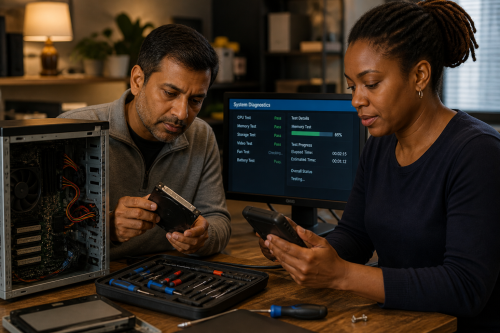
A computer that crashes, freezes or no longer starts may have a hardware fault, but it can also have a damaged file system, faulty driver, overheating problem or failing power supply. Simply reinstalling Windows is therefore not a diagnosis.
The most useful starting point is to make the behaviour reproducible and measure what happens. Error codes, SMART data, temperatures, memory tests, logs and supply voltages can narrow the problem considerably.
Check whether the problem also occurs outside the normal operating system, for example in firmware, a live environment or during a hardware test. A fault that returns under load at high temperature points in a different direction from a problem that only occurs with one application.
No. First read the SMART status and error logs, run appropriate memory tests and check the connections. Replace parts based on evidence and risk, not because a component happens to be easy to swap.
Limit unnecessary write activity if the storage may be failing. Where possible, first make a sector-level or file-level copy to healthy media before running recovery software, updates or reinstallations.
This can connect to Basic repair, Digital and, for electronic faults, Electronics.
Copyright © 2026, ASK-Solutions


