
 ,
,


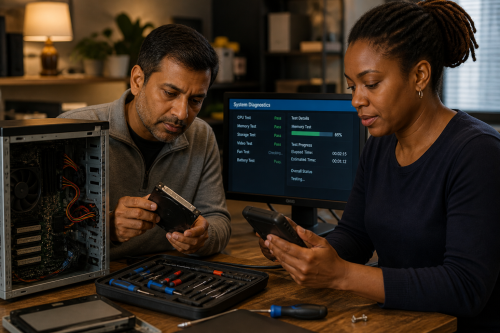
A good computer is not automatically the fastest or newest one. For someone who mainly uses email, a browser and documents, a solid refurbished system may be more suitable than an expensive new machine.
Look at the actual tasks, screen, keyboard, storage, memory, connections, accessibility, software and how long the device is likely to remain useful.
A purchase is also a choice about maintenance, replaceable parts and how much control you will retain later.
Start with the heaviest normal workload. A browser with many tabs, photo or video editing, CAD, games, virtual machines or only office work all need different combinations of CPU, memory, GPU and storage. Then look at the screen, ports, battery and physical quality.
Often it is, provided the machine is technically sound and still has sufficient support and parts available. Check the battery, storage health, warranty, keyboard, screen, charger and whether the system can run a supported operating system.
When the problem is caused by one clear limitation, such as too little memory, a slow or failing drive or insufficient storage. A targeted upgrade can add years of useful life. If the CPU, battery life, screen and connections all no longer fit the use, replacement may be more rational.
Yes. At Digital you can look at existing use, specifications and software together. For everyday skills around the device, digital self-reliance is also relevant.
Copyright © 2026, ASK-Solutions


