
 ,
,


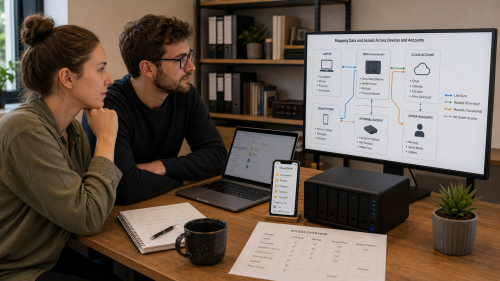
A camera system often consists of more than cameras: recorder, app, cloud account, network, storage, user permissions and sometimes remote access. Looking only at the images misses much of the security chain.
It should therefore be clear where recordings are stored, who can view them, how long they are kept and what happens when an account or recorder fails.
They may be stored locally on an SD card, NVR or NAS, or in a cloud service. Some systems use both. Check the configuration and test what happens when the internet connection fails: do recordings continue locally or does everything stop?
Inventory local users, cloud accounts, shared access, installer accounts and port forwarding or VPN access. Remove old accounts and use strong authentication. An app that “just works” may be connecting through external relay servers behind the scenes.
Look at the purpose, necessity, storage capacity and applicable privacy rules. Keeping more is not automatically better. Make sure both automatic overwriting and manual export are understood.
Yes. This mainly fits Digital and, where hardware is involved, can also touch Electronics.
Copyright © 2026, ASK-Solutions


